Blog
Explainer Video Techniques That Hold Up in the Research
The explainer video techniques worth your script time are the ones that have been tested. Twelve of them hold up in published studies, from pointing at the exact element the narrator names to writing the voiceover as if you were talking to one buyer. Here is what each study measured, and how each technique looks in a B2B product video.
What makes an explainer video effective?
An effective explainer video gives one buyer one idea they can repeat. It points at what matters on screen, speaks to the viewer as a person, cuts every detour, moves at a pace the content can bear and tells a story with a recognisable protagonist. Each of those habits has been tested in published research.
Most advice on what makes a good explainer video is a list of production steps. The more useful source is learning science. An overview of 29 systematic reviews, covering 1,189 studies and 78,177 participants, identified 11 multimedia design principles with significant positive effects on learning.[3] The techniques below take the ones that shape a script, a narration and an edit, and add the persuasion and advertising research that learning science leaves out.
Most of these studies measured learning in classrooms and labs. An explainer asks a buyer to understand your product before they can want it, so the lessons travel well, and we say plainly where each one stretches. If you are still choosing which video to make, start with our creative video ideas for B2B brands. This page assumes the explainer is chosen and the script is next.
The twelve explainer video techniques at a glance
| Technique | What the study found | How to apply it |
|---|---|---|
| 1. Write the script as a conversation | Instructional material in a conversational style improved transfer (d = 0.54) and retention (d = 0.30)[2] | Script the voiceover in “you” and “we”, in the words your buyer uses |
| 2. Cut the charming detours | Interesting but irrelevant details reduced learning, with small-to-medium retention and medium transfer effects[4] | Remove every line and shot the one message can live without |
| 3. Tell it through one protagonist | The more absorbed readers were in a story, the more their beliefs moved towards it, across four experiments[5] | Build the script around one named user, one problem and one resolution |
| 4. Make the story believable | A meta-analysis of 132 effect sizes modelled what draws audiences into a story and what that does to attitudes[6] | Give the protagonist a real job, a real workflow and plausible screens |
| 5. Signal what the voiceover names | Cues improved retention (g+ = 0.53) and transfer (g+ = 0.33) across 103 studies[1] | Highlight, zoom or point at the exact element as the narrator says it |
| 6. Draw the idea as you explain it | Drawings built live beat finished static drawings (d = .54)[7] | Build diagrams on screen in the order the voiceover explains them |
| 7. Split it into segments | Segmented multimedia improved retention and transfer, with small-to-medium effects[8] | Divide the video into chapters of one idea each |
| 8. Slow the cut when the content is intense | Fast pacing combined with arousing content lowered recognition and cued recall[9] | Hold longer on the alert, the outage or the breach |
| 9. Score the music to the message | Music that fits an ad’s mood, tempo and genre was linked to better communication outcomes[10] | Brief tempo and genre from the script’s emotional arc |
| 10. Face the viewer | A presenter facing the camera produced a large retention advantage over a side-on presenter[11] | Frame the spokesperson square to the lens |
| 11. Show the hands at work | Showing the instructor had no significant effect on learning across 20 experiments, and raised motivation[12] | Show product steps being done; bring the face in for belief |
| 12. Caption every version | More than 100 studies found captions improve comprehension, attention and memory[13] | Burn accurate same-language captions into every cut |
Every technique on this list does the same job: it spends the viewer’s attention on the one idea you need them to keep.
Script and story: techniques 1 to 4
The script decides whether an explainer works long before a frame is animated. These four techniques shape what the narrator says and whose story the video tells.
1. Write the script as a conversation
A conversational script talks to one person. It uses “you” and “we”, plain verbs and the sentences a product marketer would say across a table.
Ginns, Martin and Marsh (2013) meta-analysed studies of instructional material written in a conversational style, published in Educational Psychology Review. They compared first- and second-person, polite, author-visible versions with the same material written formally. The conversational versions improved transfer, the ability to apply what was learned (d = 0.54), and retention (d = 0.30), and readers rated them friendlier (d = 0.46).[2] The benefit shrank to small, non-significant effects in lessons longer than about 35 minutes.
The research · Conversational style
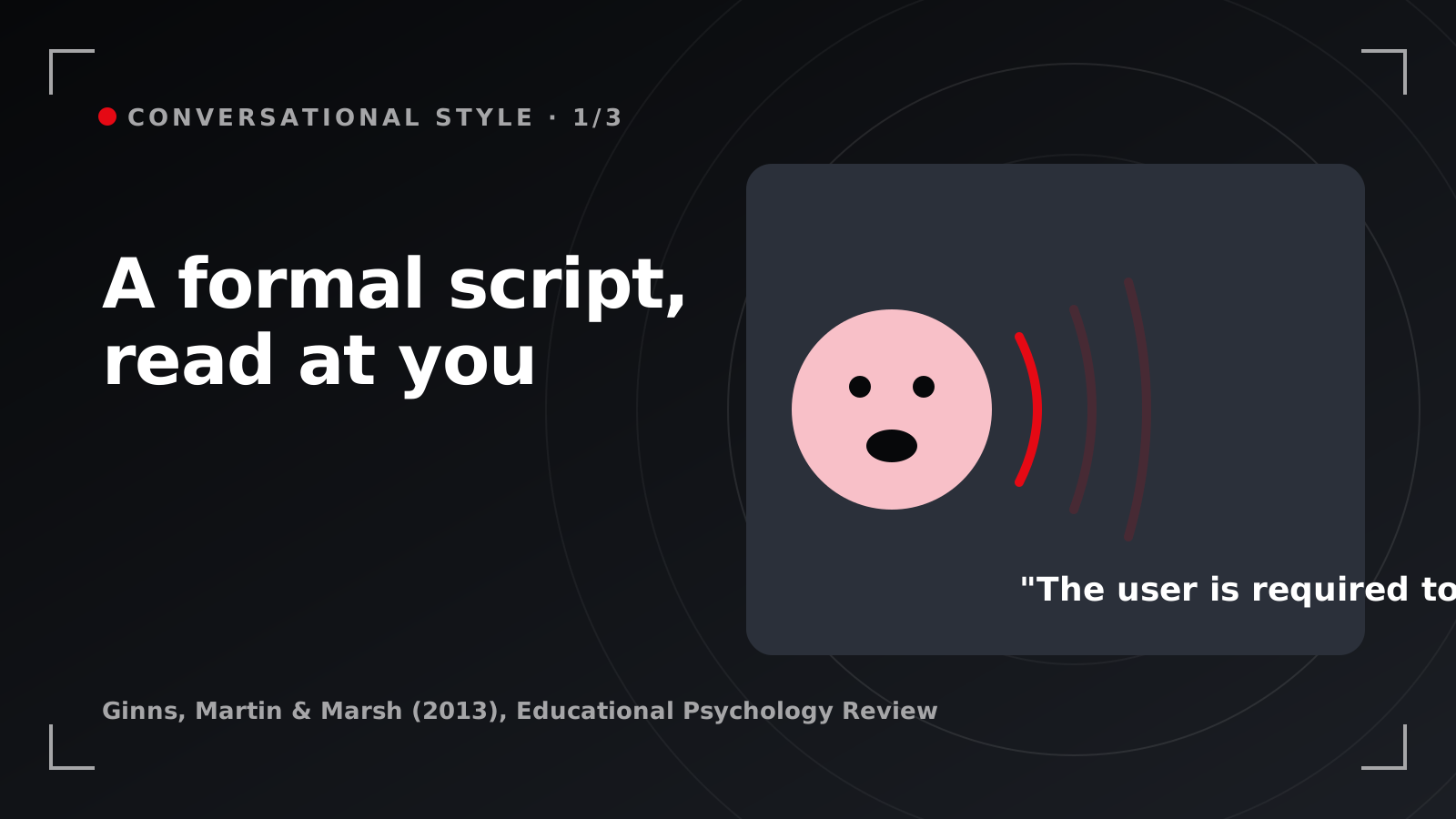
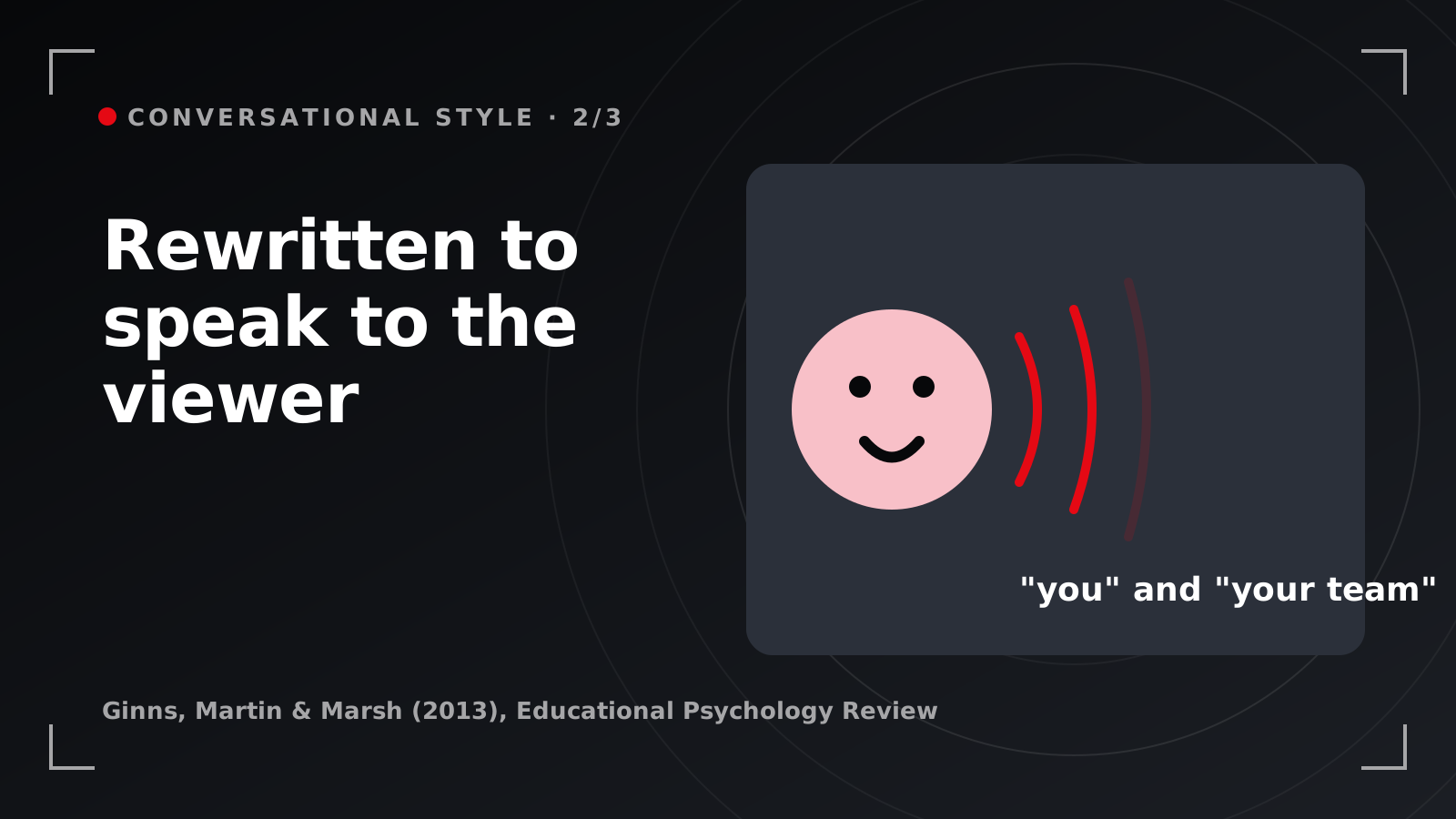
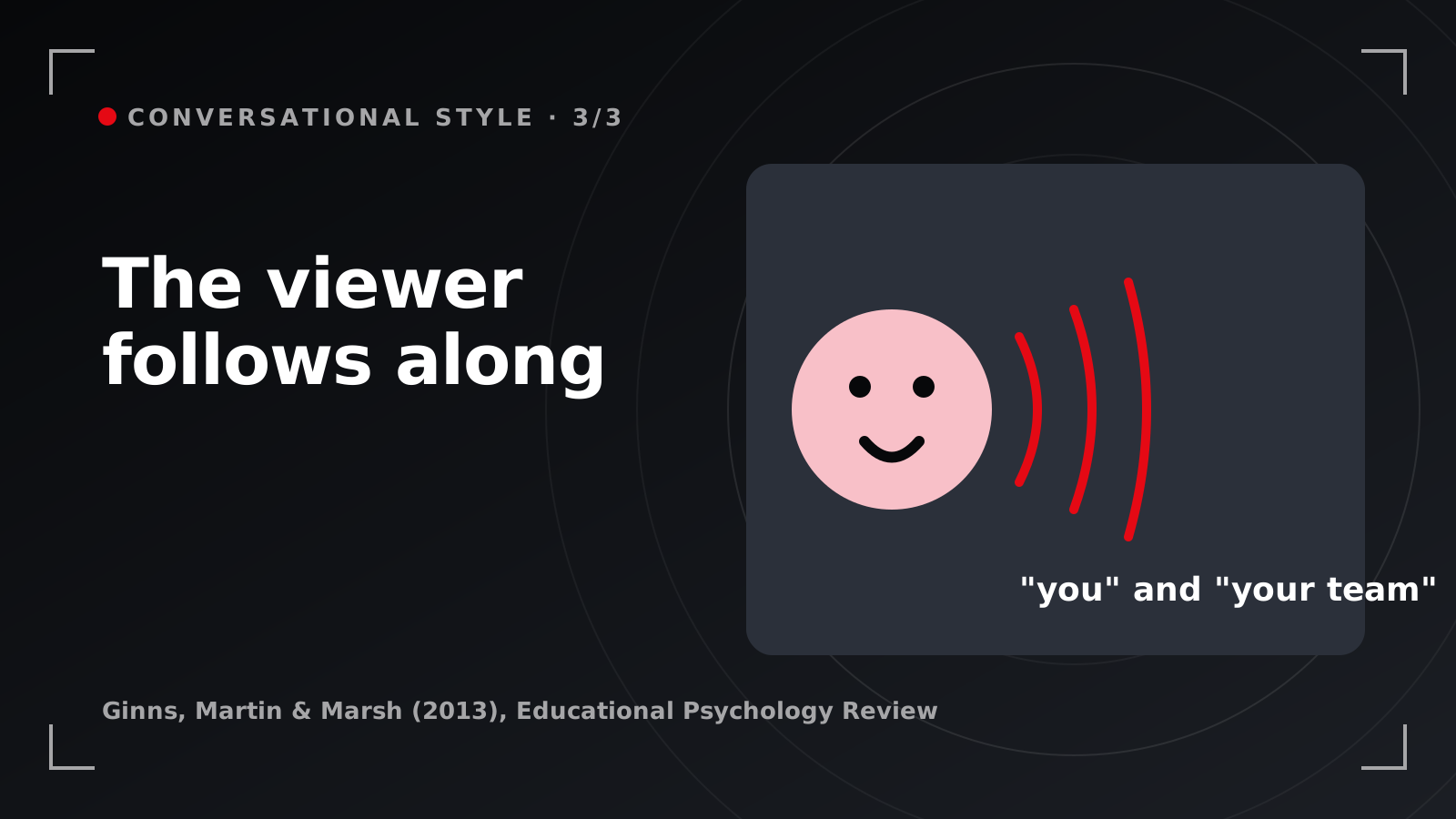
- A formal script, read at you.
- The same script, rewritten to speak to the viewer.
- The viewer follows along.
Be clear about what was studied: instructional text and lessons written in a conversational style. Applying it to explainer voiceover is our inference as a studio. A voiceover is a script read aloud, so we expect the same register to carry across.
In a B2B explainer. For a fintech reconciliation tool, the formal line reads “The platform facilitates automated matching of transactions across accounts.” The conversational line reads “You connect your bank feeds, and we match every transaction while you get on with month-end.” The claim is the same, and one of them sounds like a person.
Where teams go wrong. The script starts conversational and gets edited formal. Every reviewer adds a qualifier, legal adds “may”, and by draft six the narrator is reading a product sheet. Read the final draft aloud to someone outside the company before it goes to the voice artist.
2. Cut the charming detours
A seductive detail is anything interesting that sits off the point: the joke about Mondays, the drone shot of the skyline, the fun fact about how many emails the world sends each day.
Rey (2012), in Educational Research Review, meta-analysed 39 experimental effects and found that seductive details reduce learning, with small-to-medium effects on retention and medium effects on transfer.[4] Sundararajan and Adesope (2020) repeated the exercise with a newer body of studies and reached the same conclusion: seductive details in learning material can hinder learning.[14]
In a B2B explainer. In a cybersecurity explainer, the tempting detour is the hooded hacker in a dark room. It is vivid, and it tells the viewer nothing about how your platform triages an alert. Spend those seconds on the alert itself: where it arrives, who sees it, what happens next.
Where teams go wrong. The detour is usually a stakeholder’s favourite scene. Test every shot with one question: if we removed it, would the buyer understand less? If the answer is no, it goes.
3. Tell it through one protagonist
Explainer video storytelling works when there is a someone: one person with a job, a problem and a moment where the problem is solved, followed closely enough that the viewer stops watching as a critic.
Green and Brock (2000), in the Journal of Personality and Social Psychology, called that absorption transportation and tested it in four experiments with 97, 69, 274 and 258 participants. The more transported readers were, the more their beliefs shifted towards the story and the more they liked its protagonists, and transported readers spotted fewer false notes. When the researchers reduced transportation, story-consistent beliefs and evaluations fell with it.[5] The stories were written narratives, so read the video application as a close inference.
In a B2B explainer. For an expense-management platform, the protagonist is Mei, a finance manager in Singapore chasing receipts from a sales team spread across four countries. Show her Thursday before month-end, then the same Thursday with the product. Every feature you mention lives inside her day.
Where teams go wrong. The protagonist becomes “users” or “businesses”, and a crowd is impossible to follow. The second mistake is introducing Mei and then abandoning her after 20 seconds for a feature list.
4. Make the story believable
A believable story has a character viewers identify with, a plot they can picture and details that feel true to working life.
van Laer, de Ruyter, Visconti and Wetzels (2014) meta-analysed 132 effect sizes from 76 published and unpublished articles in the Journal of Consumer Research. Their extended transportation-imagery model sets out what draws consumers into a story, including identifiable characters, an imaginable plot and verisimilitude, and what that absorption then does to attitudes and intentions.[6] The pooled effect sizes sit in the full paper, so we quote only the study counts here.
In a B2B explainer. Verisimilitude in a SaaS explainer is specificity. A logistics dashboard with plausible lane names, a believable exception count and a 6am shift handover reads as real. A dashboard filled with placeholder text and round numbers reads as a mock-up, and buyers who use these tools every day notice.
Where teams go wrong. The story gets tidied into a fairy tale: the problem vanishes in one click and everyone smiles. Keep one honest step, such as the admin connecting the data source, and the rest of the story earns trust.
Have the product, still looking for the story?
Tell us the buyer you want to reach and the one idea they should leave with. We will come back with a protagonist, a script approach and the techniques that suit your product.
Talk through an explainer script →On-screen attention: techniques 5 and 6
Once the script is right, the picture has one job: to put the viewer’s eyes where the narrator’s words are. These two techniques do that. Colour, typography and movement are covered in our guide to visual design principles for motion graphics, so this page stays with the cues that connect picture to voice.
5. Signal what the voiceover names
Signalling is any cue that tells the viewer where to look: a highlight ring, an arrow, a zoom, a colour change, a heading that appears as the topic shifts.
Schneider, Beege, Nebel and Rey (2018) meta-analysed 103 studies with 12,201 participants in Educational Research Review. Signals improved retention (g+ = 0.53, 95% CI [0.42, 0.64]) and transfer (g+ = 0.33, 95% CI [0.22, 0.43]), reduced cognitive load and drew eyes to the relevant parts of the display. Learners’ prior knowledge did not change the benefit.[1]
The research · Signalling
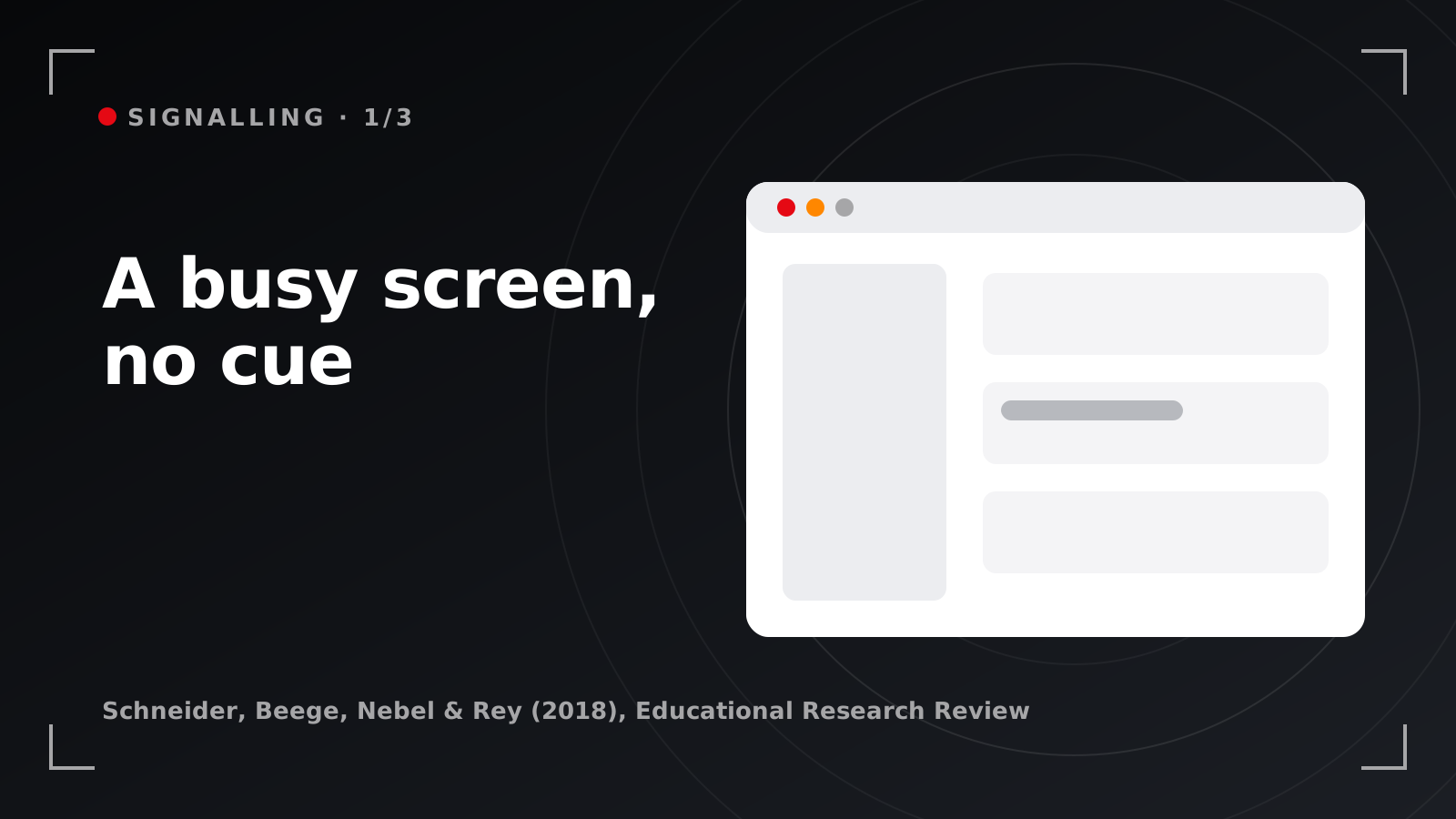
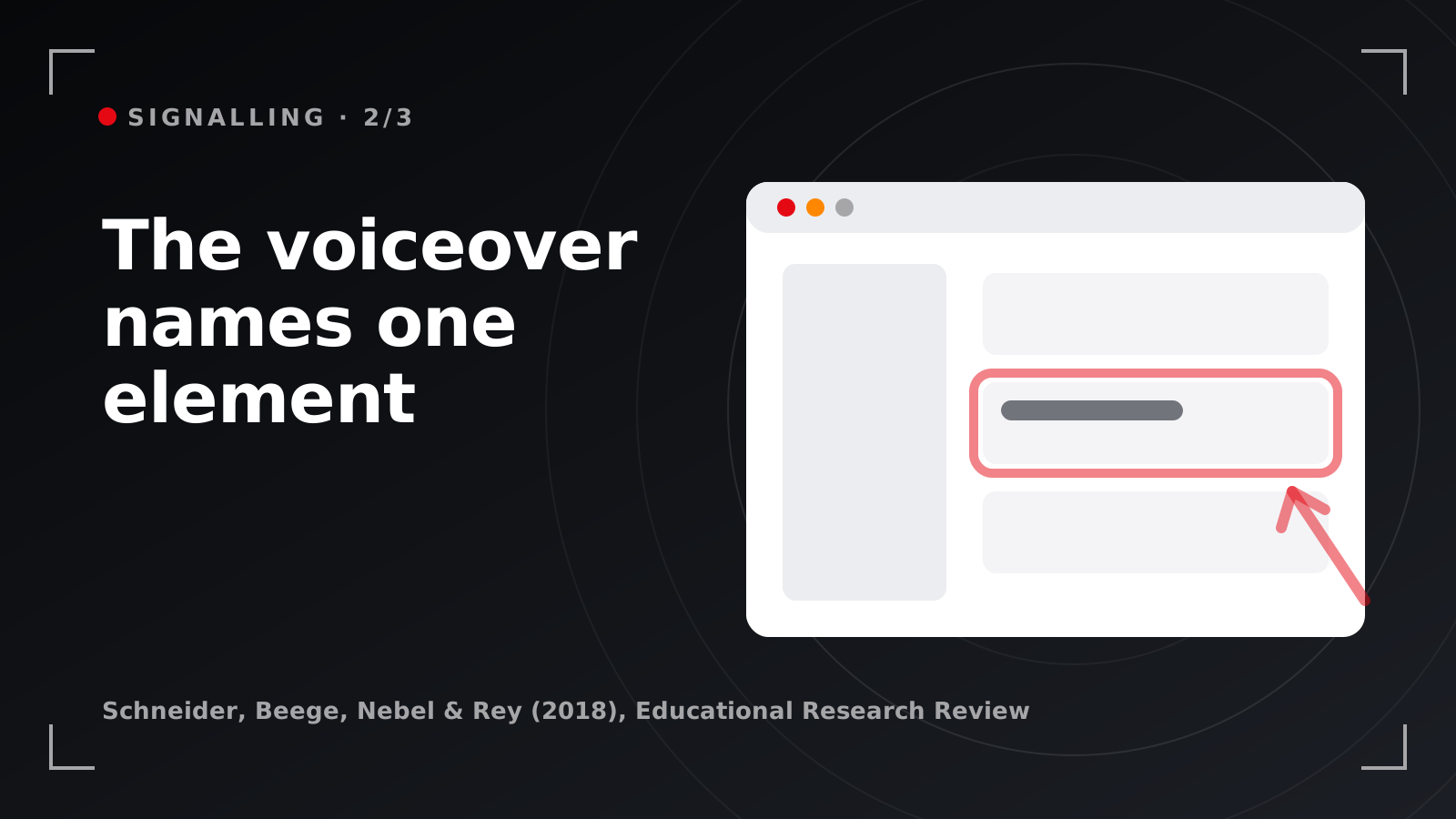
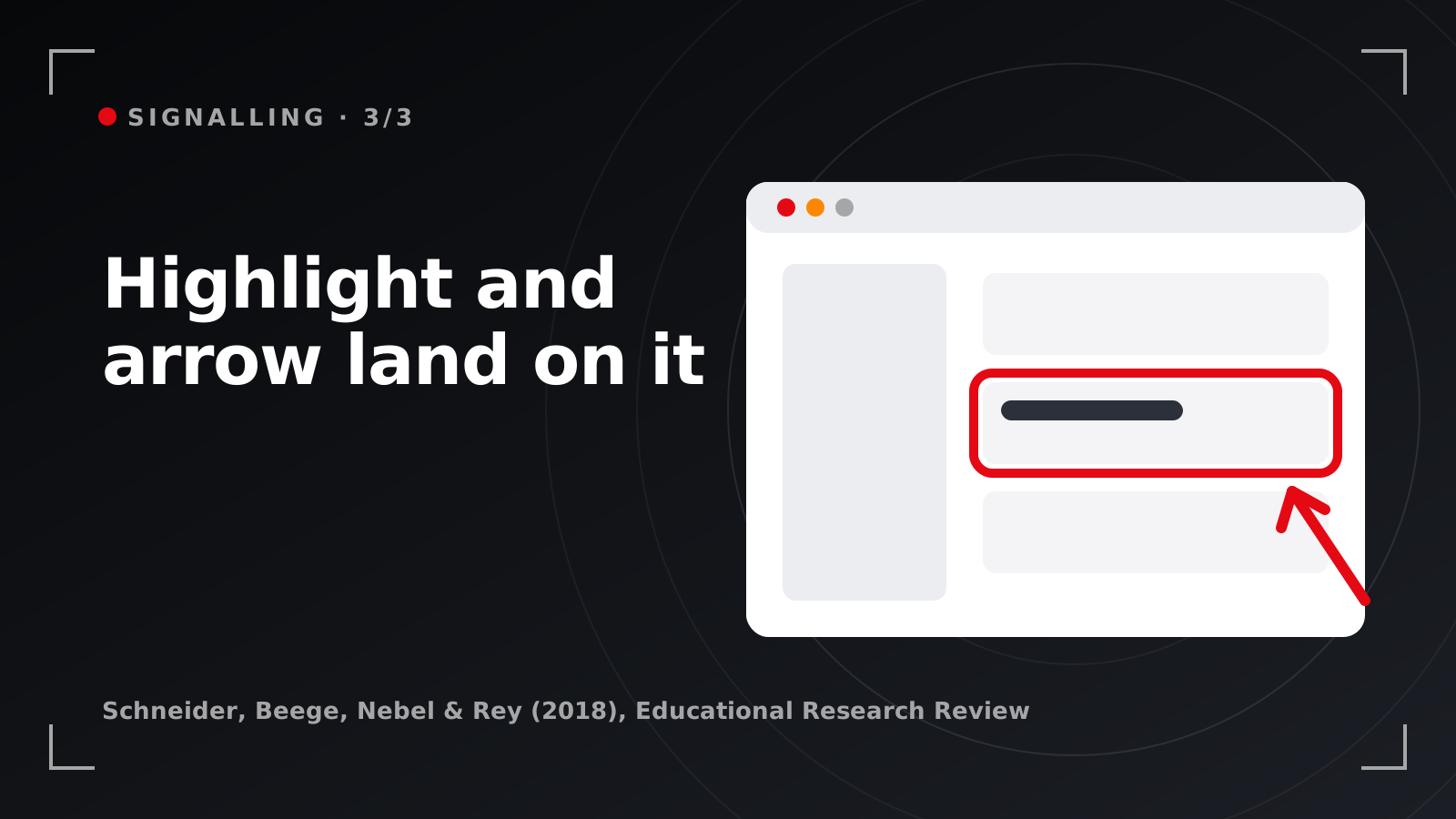
- A busy screen, no cue: every panel competes for the eye.
- The voiceover names one element.
- A highlight and an arrow land on it as the word is spoken.
A separate meta-analysis by Alpizar, Adesope and Wong (2020), covering 29 studies and 2,726 participants, found a signalling effect of d = .38.[15] Two independent teams, the same direction.
In a B2B explainer. In a fintech dashboard explainer, the narrator says “your cash position updates the moment a payment clears.” On that exact frame, the cash-position tile gets a highlight ring, the rest of the dashboard dims and the camera pushes in. The viewer’s eyes arrive at the tile as the words do.
Where teams go wrong. Everything gets signalled, and five callouts on one screen make a busy screen again. Signal one element per sentence, and time the cue to land on the word itself.
6. Draw the idea as you explain it
Dynamic drawing builds a diagram in front of the viewer, stroke by stroke, while the narrator explains it.
Fiorella, Stull, Kuhlmann and Mayer (2019) ran two randomised experiments, published in the Journal of Educational Psychology, using a video lecture on the human kidney. Students who watched the instructor draw diagrams while explaining did better on the posttest than students shown finished static drawings (d = .54).[7] It fits an older finding: across 26 studies and 76 comparisons, animation outperformed static pictures by d = 0.37 overall and by d = 1.06 for procedural material.[16]
In a B2B explainer. For a data-platform explainer, draw the pipeline as the narrator names each stage: the source systems appear, then the connector, then the warehouse, then the dashboard at the end. Your sales team’s architecture slide already holds the content, and drawing it in sequence gives the viewer the order. If you are weighing styles for this, our guide to choosing 2D, 3D or motion graphics walks through the options.
Where teams go wrong. The whole diagram fades in at once, which is a static drawing with a transition. The build has to follow the sentence.
Structure and pacing: techniques 7 to 9
Structure is where an explainer holds its viewer or loses them. These three techniques decide how the video is divided, how fast it cuts and what the soundtrack does underneath.
7. Split it into segments
Segmenting divides the explanation into meaningful chunks, each covering one idea, with a clear break between them.
Rey, Beege, Nebel, Wirzberger, Schmitt and Schneider (2019) meta-analysed 56 investigations with 88 pairwise comparisons in Educational Psychology Review. Segmented instruction improved retention and transfer with small-to-medium effects, lowered cognitive load and increased learning time.[8] The benefit held when the system set the breaks, which is how a chaptered video works, and learners with more prior knowledge gained more on retention.
In a B2B explainer. An onboarding explainer for an HR platform becomes four chapters: add an employee, run payroll, approve leave, export a report. Each opens with a title card and closes on one result. The same four segments then work as standalone clips in the help centre, in sales follow-up and as short-form video ideas for B2B feeds. On length, one line is enough here: engagement fell away sharply past about six minutes across 6.9 million video sessions,[17] and our guide to how long an explainer should run covers the rest.
Where teams go wrong. Segments are cut at even intervals, wherever the timeline happens to be. A break in the middle of a thought is a pause. A break at the end of one is a segment.
8. Slow the cut when the content is intense
Pacing is how often the picture changes. Fast cutting raises energy, and so does arousing content, such as a breach, a fraud alert or a system going down.
Lang, Bolls, Potter and Kawahara (1999), in the Journal of Broadcasting & Electronic Media, tested television messages that varied both. Fast pacing and arousing content each raised arousal and the attention viewers gave the message. Combined, they overloaded viewers’ processing, and recognition and cued recall of the content dropped.[9] The stimuli were late-1990s television, and we apply the same limit on processing to online video.
In a B2B explainer. A security alert workflow is arousing by nature: red banners, an attacker moving across the network, a countdown. Hold those shots longer, cut at the ends of the narrator’s sentences and give the viewer time to read the alert. Save quicker cutting for calm material, such as a run of customer logos.
Where teams go wrong. The most dramatic scene gets the fastest edit because it feels exciting in the review. The review team already knows the story. A first-time viewer is still decoding it.
9. Score the music to the message
Music congruity is how well the soundtrack fits the video: its mood, its tempo, its genre and the image of the brand.
Oakes (2007), in the Journal of Advertising Research, reviewed the empirical research on music in advertising through ten types of congruity, from mood and tempo to genre, image and timbre. Across that literature, music that fitted the ad went with easier recall, better brand attitude, higher purchase intent and a stronger emotional response.[10] It is a narrative review, lighter evidence than the meta-analyses on this page, so treat it as direction.
In a B2B explainer. For a healthtech explainer about triaging patient messages, a steady, warm bed at a moderate tempo fits the subject. The same track under a cybersecurity threat sequence would feel wrong. Brief the composer with the script’s emotional arc, scene by scene.
Where teams go wrong. The track is picked last, from a library, because it sounded upbeat. Upbeat is a mood, and it has to be the mood of your story.
Presenter and captions for viewers across APAC: techniques 10 to 12
The research on presenters is more specific than “put a person on screen”. The research on captions matters more in a region where many viewers watch English-language video in a second language.
10. Face the viewer
Frontal address means the presenter faces the camera and speaks to the viewer directly.
Beege, Schneider, Nebel and Rey (2017), in Learning and Instruction, randomly assigned 88 participants to a video lecturer who was either near or far and either facing the camera or turned to the side. Facing the camera produced a large, significant retention advantage, and how close the presenter appeared made no significant difference.[11] Fiorella and colleagues found the same direction: with the presenter visible, eye contact with the camera improved learning (d = .54).[7]
In a B2B explainer. For a founder-led explainer of an AI compliance tool, put the founder square to the lens for the problem and the promise. Proximity made no difference in the study, so choose a mid shot or a close-up to suit the set.
Where teams go wrong. The presenter is filmed interview-style, looking at a producer beside the camera. That angle suits a documentary. In an explainer the viewer is the person being spoken to, so the presenter looks at them.
11. Show the hands at work
A hands-on view shows the work being done: a hand drawing on a whiteboard, a cursor moving through the product, a first-person view over the user’s shoulder.
Alemdağ (2022) meta-analysed 20 experiments in Education and Information Technologies. Showing the instructor had no significant effect on learning. It raised motivation and also raised cognitive load, and for knowledge gains the results leaned, at the margin of significance, towards videos showing only the instructor’s hand.[12] Fiorella’s team found a matching result: simply having the presenter on screen added no benefit by itself.[7] Mayer, Fiorella and Stull (2020) list first-person perspective among five ways to make instructional video more effective.[18]
In a B2B explainer. For a procurement platform, film the approval from the approver’s point of view: the notification, the thumb opening it, the purchase order, the approve tap. Bring the presenter’s face in for the opening claim and the close, where belief matters more than steps. Where an explainer ends and a walkthrough begins is covered in explainer video vs product demo video.
Where teams go wrong. A talking head fills the frame for the full video while the product sits in a small box in the corner. The face gets the screen, and the thing the viewer needs to learn gets a corner.
12. Caption every version
Same-language captions put the spoken words on screen, accurately and in time with the voice.
Gernsbacher (2015), in Policy Insights from the Behavioral and Brain Sciences, reviewed the evidence and reported that more than 100 empirical studies show captioning a video improves comprehension of, attention to and memory for the video.[13] The benefit reached children, students and adults, and was especially strong for people watching in a language other than their first. The review did not study sound-off autoplay on social feeds, and we make no claim about that here.
In a B2B explainer. An explainer made in Singapore for a regional launch will play to a procurement lead in Jakarta, an IT director in Ho Chi Minh City and a CFO in Bangkok, many of them following English narration in a second language. Burn accurate English captions into every cut, check product names and acronyms by hand and time each line to the phrase. Then decide which markets need subtitles in Bahasa Indonesia, Vietnamese or Thai, and which need a local voiceover; our guide to multilingual video localisation in Southeast Asia covers those choices.
Where teams go wrong. Auto-generated captions go out unchecked, and “SOC 2” becomes “sock two”. A misspelt product name in a caption undoes the credibility the rest of the video built.
The explainer video checklist
Use this at script sign-off and again at the first edit. Our explainer video production process shows where each check falls in a real schedule.
| Technique | It passes when |
|---|---|
| 1. Conversation | Read aloud, the script sounds like one person talking to another |
| 2. Detours | Every shot passes the test: would the buyer understand less without it? |
| 3. Protagonist | One named person carries the story from problem to resolution |
| 4. Believability | Screens, names and numbers look like a real working day |
| 5. Signalling | Each on-screen cue lands on the word the narrator says |
| 6. Live build | Diagrams draw on in the order the voiceover explains them |
| 7. Segments | Each chapter covers one idea and ends on one result |
| 8. Pacing | The most intense scenes have the longest holds |
| 9. Music | Tempo and genre follow the script’s emotional arc |
| 10. Presenter | The presenter faces the lens when speaking to the viewer |
| 11. Hands | Product steps are shown being done, from the user’s point of view |
| 12. Captions | Accurate captions are burned into every cut, product names checked by hand |
Want these techniques in your next explainer?
See how they look in finished work in our portfolio and our B2B SaaS explainer video examples, then tell us about your product. We will map the story, the signals and the segments into one creative approach.
Plan your explainer →The short version
The explainer video techniques that hold up in the research all spend attention on one idea. Write the voiceover as a conversation, cut the charming detours and tell the story through one believable protagonist. Point at exactly what the narrator names, draw diagrams as you explain them, split the video into segments and slow the edit when the content is intense. Fit the music to the message, face the viewer, show the hands doing the work and caption every version for buyers across APAC, many of whom will watch it in a second language.
Frequently asked questions
What makes an explainer video effective?
An effective explainer video gives one buyer one idea to keep, and every technique in it serves that idea. Published studies support a conversational script, cues that point at what the narrator names, meaningful segments, pacing matched to the content, a presenter who faces the viewer, accurate captions and a story built around one believable protagonist. Detours that are interesting but off the point reduce what viewers take away.
Does voiceover beat on-screen text in an explainer?
The studies we rely on do not test voiceover against on-screen text head to head, so there is no honest figure to quote. The evidence does favour a script written in a conversational style, and same-language captions, which a published review links to better comprehension, attention and memory. Our practice is to let the voice carry the argument, caption it accurately and keep other on-screen text to labels and key numbers.
Does storytelling make an explainer video more persuasive?
Yes, when the viewer gets absorbed. Experiments on narrative transportation found that the more absorbed people were in a story, the more their beliefs moved towards it and the more they liked its protagonist. Those experiments used written stories, so treat the video case as a close inference. Build the explainer around one believable person with a real problem, and keep the product inside their story.
How do you keep viewers watching an explainer video?
Keep every second on the one idea. Cut interesting detours, divide the video into segments that each end on a result, signal exactly what the narrator is talking about and slow the edit when the content is intense. Write the voiceover as a conversation with one viewer. Keep the runtime as short as the idea allows, and check completion for each placement once the video is live.
How do you adapt an explainer video for viewers across Southeast Asia?
Start with accurate same-language captions on every cut, because captions help most for people watching in a second language. Build on-screen text as editable graphics so it can be reset per language, then decide market by market between subtitles and a local voiceover. Check product names, acronyms and examples with someone in each market before the video goes live.
References
- Schneider, S., Beege, M., Nebel, S., & Rey, G. D. (2018). A meta-analysis of how signaling affects learning with media. Educational Research Review, 23, 1–24. doi:10.1016/j.edurev.2017.11.001
- Ginns, P., Martin, A. J., & Marsh, H. W. (2013). Designing instructional text in a conversational style: A meta-analysis. Educational Psychology Review, 25(4), 445–472. doi:10.1007/s10648-013-9228-0
- Noetel, M., Griffith, S., Delaney, O., Harris, N. R., Sanders, T., Parker, P., del Pozo Cruz, B., & Lonsdale, C. (2022). Multimedia design for learning: An overview of reviews with meta-meta-analysis. Review of Educational Research, 92(3), 413–454. doi:10.3102/00346543211052329
- Rey, G. D. (2012). A review of research and a meta-analysis of the seductive detail effect. Educational Research Review, 7(3), 216–237. doi:10.1016/j.edurev.2012.05.003
- Green, M. C., & Brock, T. C. (2000). The role of transportation in the persuasiveness of public narratives. Journal of Personality and Social Psychology, 79(5), 701–721. doi:10.1037/0022-3514.79.5.701
- van Laer, T., de Ruyter, K., Visconti, L. M., & Wetzels, M. (2014). The extended transportation-imagery model: A meta-analysis of the antecedents and consequences of consumers’ narrative transportation. Journal of Consumer Research, 40(5), 797–817. doi:10.1086/673383
- Fiorella, L., Stull, A. T., Kuhlmann, S., & Mayer, R. E. (2019). Instructor presence in video lectures: The role of dynamic drawings, eye contact, and instructor visibility. Journal of Educational Psychology, 111(7), 1162–1171. doi:10.1037/edu0000325
- Rey, G. D., Beege, M., Nebel, S., Wirzberger, M., Schmitt, T. H., & Schneider, S. (2019). A meta-analysis of the segmenting effect. Educational Psychology Review, 31(2), 389–419. doi:10.1007/s10648-018-9456-4
- Lang, A., Bolls, P., Potter, R. F., & Kawahara, K. (1999). The effects of production pacing and arousing content on the information processing of television messages. Journal of Broadcasting & Electronic Media, 43(4), 451–475. doi:10.1080/08838159909364504
- Oakes, S. (2007). Evaluating empirical research into music in advertising: A congruity perspective. Journal of Advertising Research, 47(1), 38–50. doi:10.2501/S0021849907070055
- Beege, M., Schneider, S., Nebel, S., & Rey, G. D. (2017). Look into my eyes! Exploring the effect of addressing in educational videos. Learning and Instruction, 49, 113–120. doi:10.1016/j.learninstruc.2017.01.004
- Alemdağ, E. (2022). Effects of instructor-present videos on learning, cognitive load, motivation, and social presence: A meta-analysis. Education and Information Technologies, 27(9), 12713–12742. doi:10.1007/s10639-022-11154-w
- Gernsbacher, M. A. (2015). Video captions benefit everyone. Policy Insights from the Behavioral and Brain Sciences, 2(1), 195–202. doi:10.1177/2372732215602130
- Sundararajan, N., & Adesope, O. (2020). Keep it coherent: A meta-analysis of the seductive details effect. Educational Psychology Review, 32(3), 707–734. doi:10.1007/s10648-020-09522-4
- Alpizar, D., Adesope, O. O., & Wong, R. M. (2020). A meta-analysis of signaling principle in multimedia learning environments. Educational Technology Research and Development, 68(5), 2095–2119. doi:10.1007/s11423-020-09748-7
- Höffler, T. N., & Leutner, D. (2007). Instructional animation versus static pictures: A meta-analysis. Learning and Instruction, 17(6), 722–738. doi:10.1016/j.learninstruc.2007.09.013
- Guo, P. J., Kim, J., & Rubin, R. (2014). How video production affects student engagement: An empirical study of MOOC videos. Proceedings of the First ACM Conference on Learning @ Scale, 41–50. doi:10.1145/2556325.2566239
- Mayer, R. E., Fiorella, L., & Stull, A. (2020). Five ways to increase the effectiveness of instructional video. Educational Technology Research and Development, 68(3), 837–852. doi:10.1007/s11423-020-09749-6